







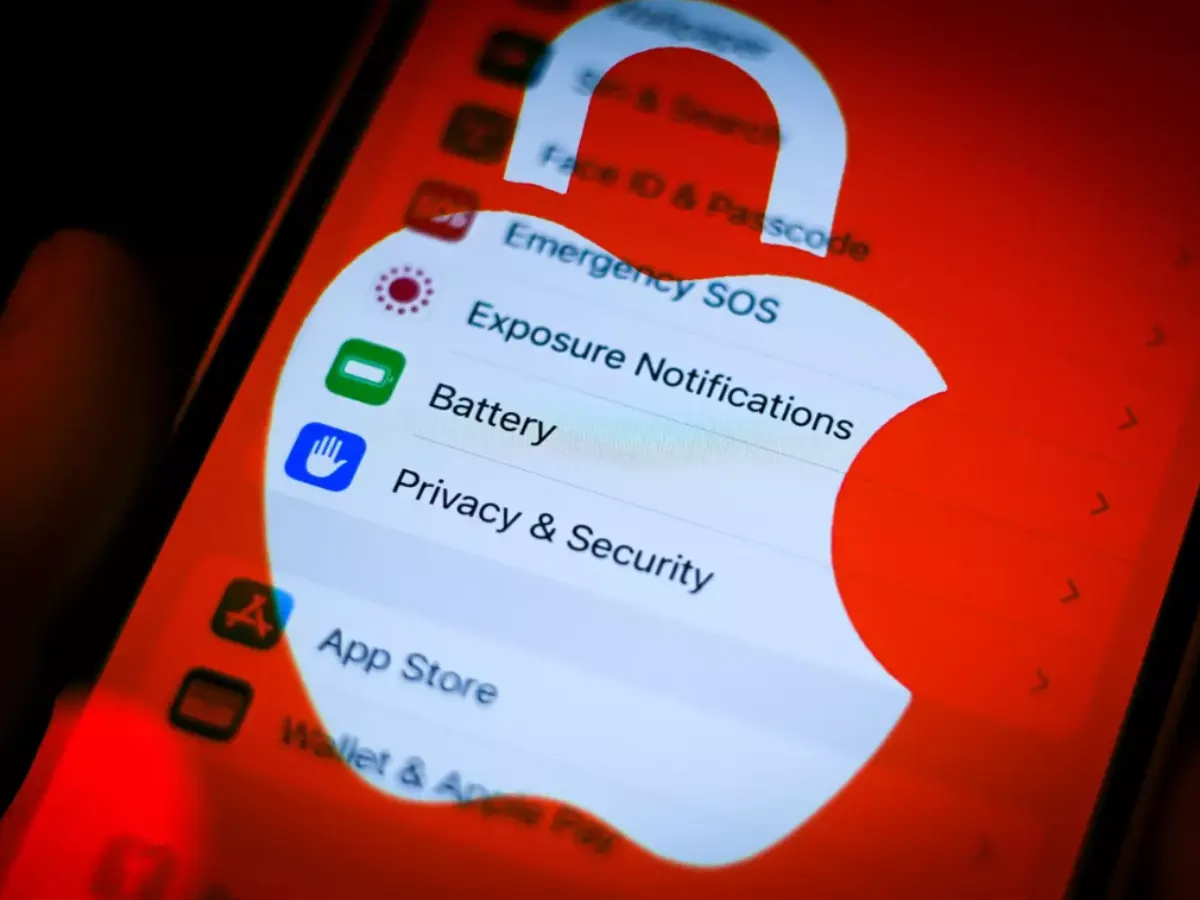
Apple has released emergency security updates to fix two serious vulnerabilities affecting iPhones and other Apple devices.
If you want to keep your device safe from these sophisticated cyberattacks, here’s what you need to do:
Install Security Updates Immediately
As soon as Apple releases updates, install them on your device. These patches fix critical security flaws that hackers could exploit. Running outdated software increases your risk.
Visit Times of Karachi website for the latest news-related content
Avoid Clicking Unknown Links
Be cautious about links you receive via text, WhatsApp, or email, especially from unknown or random numbers. Do not click on suspicious links, as they may be used to launch attacks on your device.
Enable Lockdown Mode for Extra Protection
If you believe you might be targeted by a highly sophisticated cyberattack, turn on Apple’s Lockdown Mode. This feature enhances your device’s security by limiting certain functions, reducing your exposure to attacks.
How to Enable Lockdown Mode for Extra Protection
To enable Lockdown Mode, go to Settings > Privacy & Security > Lockdown Mode and turn it on.
Remember, Lockdown Mode is an extreme, optional feature intended for users at high risk.
READ: NCCIA warns public over new online scams on new year
Stay Informed About Security Alerts
Apple does not publicly disclose vulnerabilities until they have been fixed, so keep an eye out for official updates and announcements. Staying informed helps you respond quickly to any new threats.
Follow the Times of Karachi channel on WhatsApp
Use Trusted Sources for Security Guidance
Follow advice from credible cybersecurity experts and Apple’s own security team. Apple’s head of security, Ivan Krstić, emphasizes the importance of protecting users who might be personally targeted by attackers.
By following these steps, you can significantly reduce your risk of falling victim to cyberattacks targeting Apple devices.