





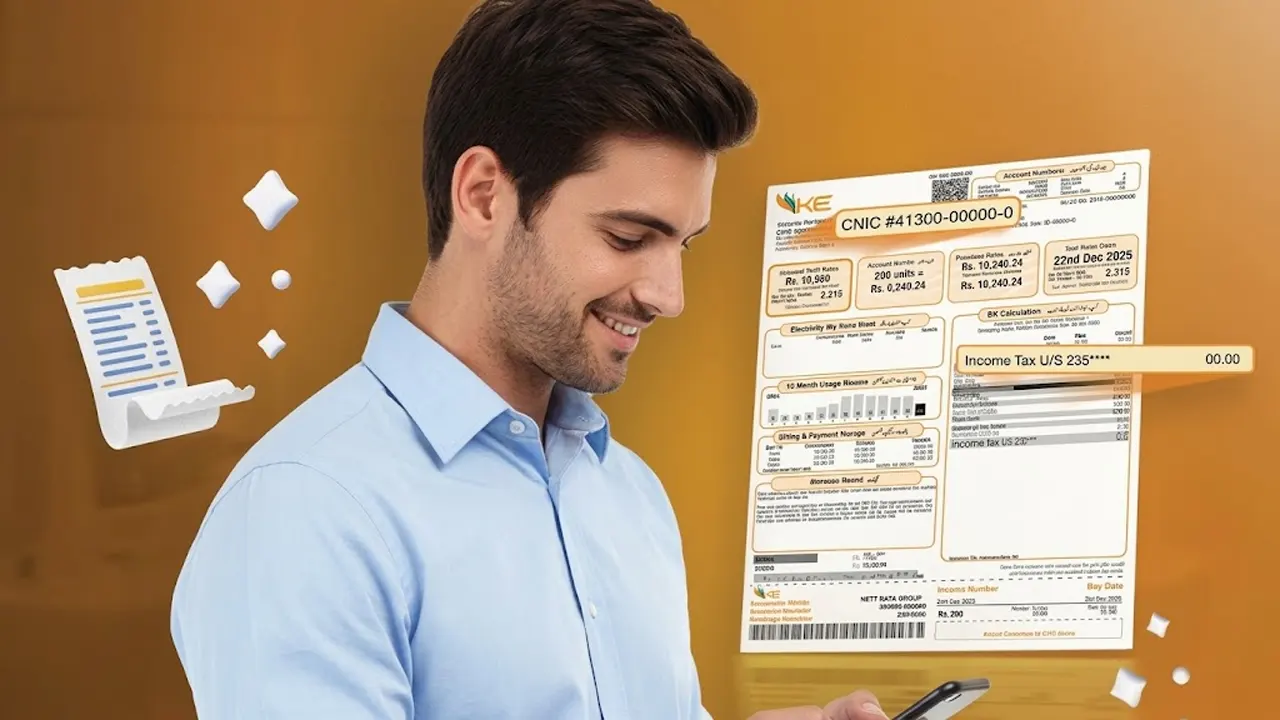
K-Electric (KE) has advised consumers to update their Computerized National Identity Card (CNIC) details and mobile numbers in the company’s records to help determine their eligibility for an exemption from advance income tax on electricity bills.
Follow Times of Karachi on Google News and add as a preferred Source on Google
In a social media post, the Karachi-based power utility shared a four-step process through its official website, allowing customers to update their information online.
The guidance is particularly relevant for residential consumers whose monthly electricity bills exceed Rs25,000 and who are not included on the Federal Board of Revenue’s (FBR) Active Taxpayer List (ATL).
Who Is Affected by Advance Income Tax?
According to the information provided, a 7.5% advance income tax applies to qualifying residential electricity bills exceeding Rs25,000 for consumers who are not listed on the FBR’s ATL, under the cited tax rules.
Consumers should check their current tax status and applicable FBR rules to confirm whether the deduction applies to them. Updating CNIC details with KE does not, by itself, guarantee tax exemption if other eligibility requirements are not met.
How to Update CNIC Details on the K-Electric Website
KE has outlined the following four steps for consumers who want to update their records.
Step 1: Visit the Official Website
Open K-Electric’s official website at ke.com.pk.
Step 2: Select “Update Customer Details”
On the website’s homepage, look for the “Update Customer Details” option and open the relevant section.
Step 3: Enter Your CNIC and Mobile Number
Enter your valid 13-digit CNIC number and primary mobile phone number in the designated fields. Make sure the information is accurate before proceeding.
Step 4: Submit the Request
Review the information you have entered and click the “Submit” button to complete the update request.
Consumers should follow any additional instructions displayed on KE’s official portal and retain any confirmation provided after submission.
Why Updating Customer Information Matters
Keeping customer records accurate helps the utility match consumer information with the relevant account details. However, eligibility for advance income tax exemption also depends on applicable tax rules and the consumer’s status with the FBR.
Consumers who are unsure about their eligibility should verify their Active Taxpayer List status through official FBR channels and seek clarification from KE or the relevant tax authority if necessary.