





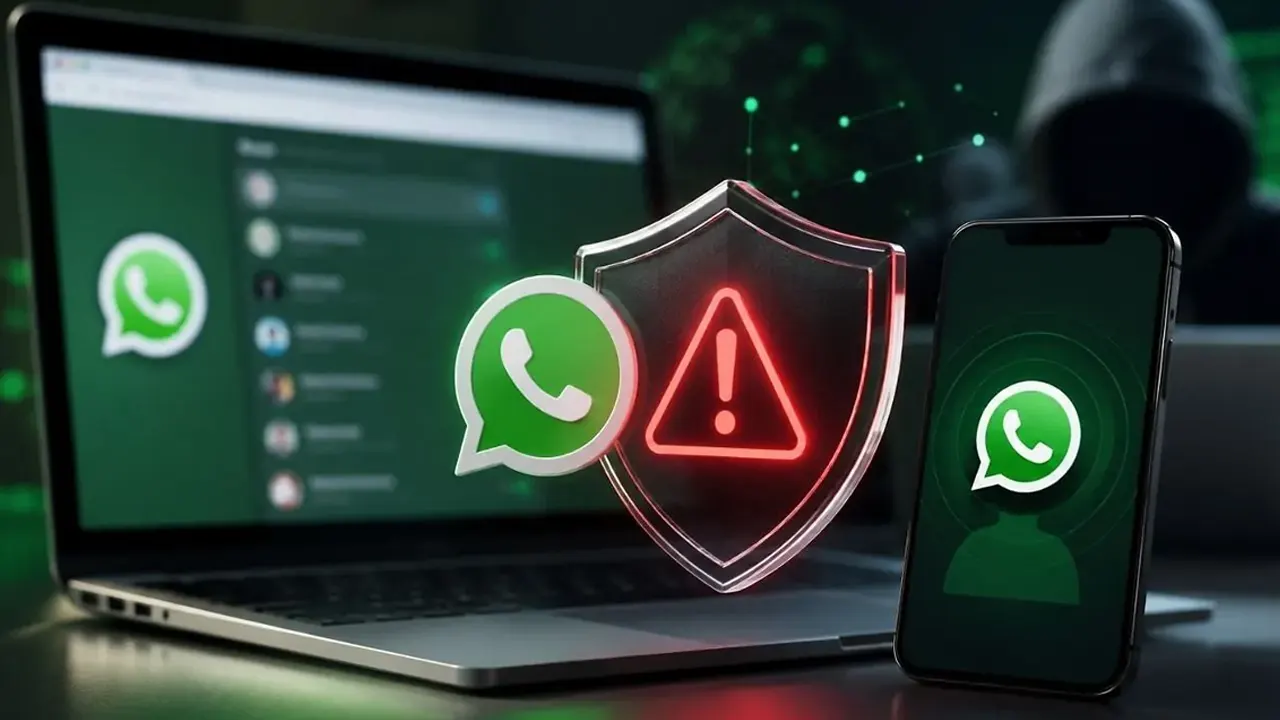
A high-level cyber threat alert has been issued warning WhatsApp Web, desktop application and email users about potential cyberattacks involving files disguised as official government documents.
Follow Times of Karachi on Google News and add as a preferred Source on Google
According to an advisory issued by the National Cyber Emergency Response Team, attackers may use malicious files to compromise computer systems, gain remote access and steal passwords or sensitive information.
Government officials and individuals who handle confidential data have been identified as high-risk targets.
The advisory urges users to exercise caution when receiving files through messaging platforms and email, particularly documents that appear to come from government departments or official sources.
How the Cyberattacks May Work
According to the advisory, attackers are distributing files disguised as legitimate government documents to trick recipients into opening them on their computers.
Once a system is compromised, attackers may be able to gain remote access and potentially steal login credentials, passwords and other sensitive data.
The warning covers WhatsApp Web, desktop applications and email, highlighting the risks associated with opening unverified files on computers used for official or sensitive work.
Users should verify the identity of the sender before opening unexpected attachments, even when a file appears to come from a familiar contact.
Govt Officials Advised Against Transferring WhatsApp Files
The National Cyber Emergency Response Team has advised government officials not to transfer files received through WhatsApp to official computers.
The recommendation aims to reduce the risk of malicious attachments reaching government systems and compromising sensitive information.
The advisory also recommends enabling two-factor authentication and WhatsApp’s two-step verification feature to strengthen account security.
Users should keep their operating systems, browsers and desktop applications updated and avoid opening suspicious attachments or clicking unverified links.
What to Do If a Cyberattack Is Suspected
The advisory instructs users to immediately disconnect an affected device from the network and the internet if they suspect a cyberattack.
Users should also take the following precautions:
- Disconnect the affected device: Turn off Wi-Fi or unplug the network cable to interrupt the connection.
- Avoid using the compromised computer: Do not continue accessing sensitive accounts or entering passwords on the affected device.
- Report the incident: Notify the relevant IT or cybersecurity team, particularly if the device belongs to a government department or organisation.
- Secure accounts from a separate, trusted device: Change potentially exposed passwords and review account activity.
- Seek technical assistance: Have the device examined by qualified cybersecurity professionals before reconnecting it to official systems.
Users should avoid deleting files or attempting extensive cleanup before the incident has been assessed, as this could remove information needed for an investigation.
Cybersecurity Awareness Remains Important
The alert highlights the importance of digital security for individuals, businesses and government institutions that use messaging applications and email to exchange documents.
Malicious attachments can put both personal and organisational information at risk, particularly when files are opened on computers connected to sensitive networks.
Users are advised to verify unexpected documents, strengthen account security and follow their organisation’s cybersecurity procedures.
The advisory’s central message is to treat unverified files with caution and disconnect potentially compromised devices immediately if an attack is suspected.