





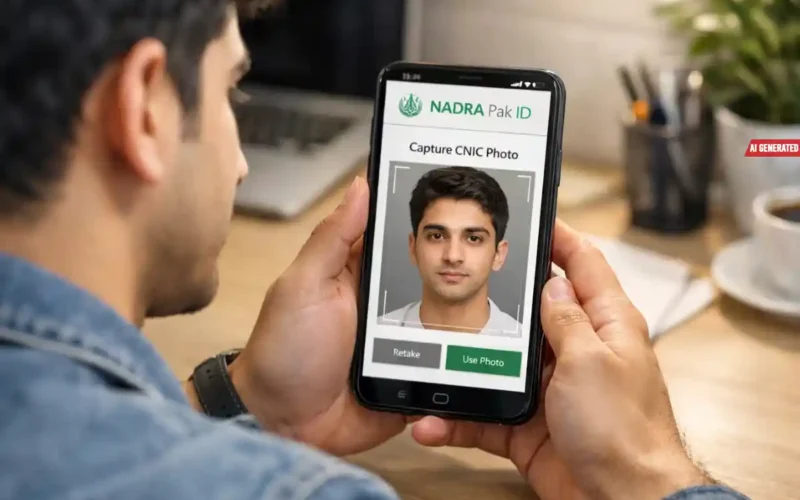
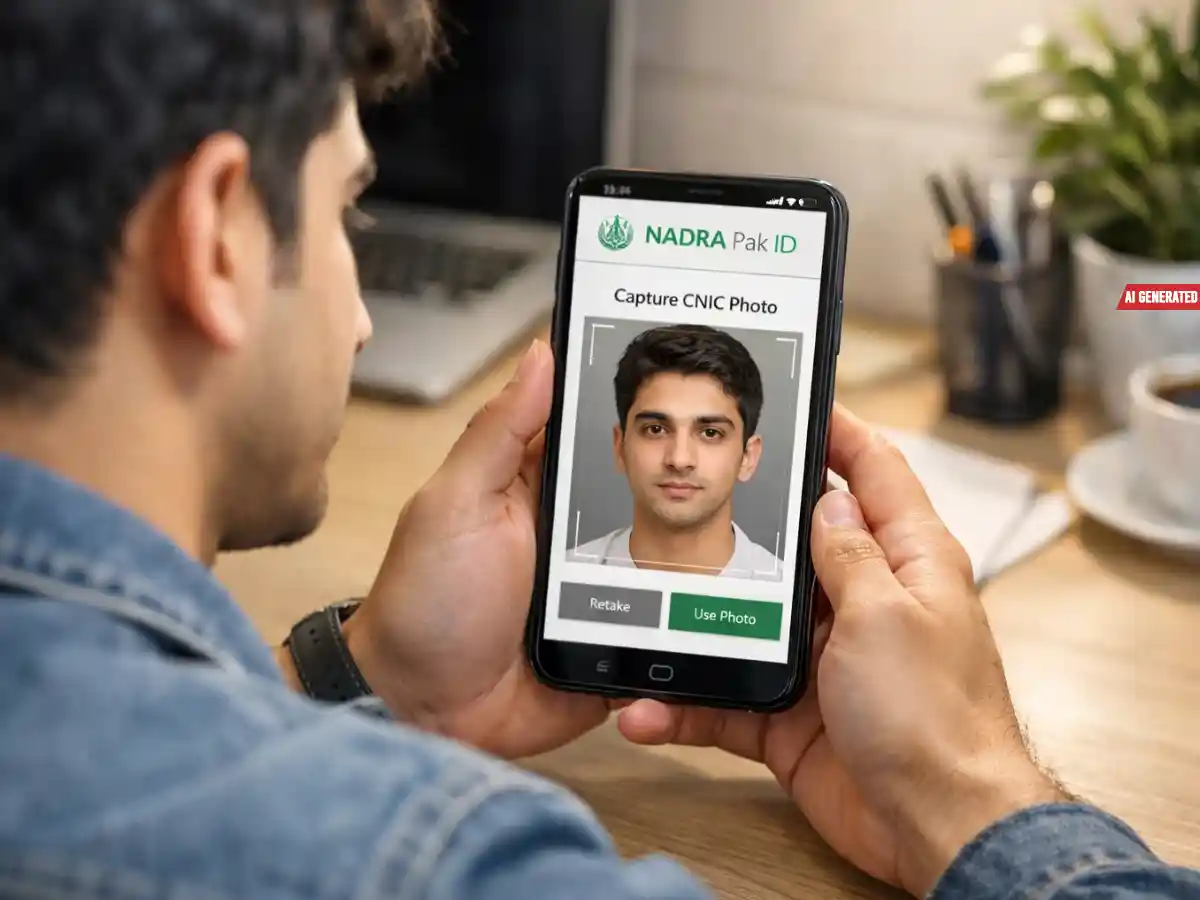
The National Database and Registration Authority (NADRA) has introduced a new digital facility allowing citizens to change or update their Computerized National Identity Card (CNIC) photograph through the Pak ID mobile application.
With this step, citizens no longer need to visit NADRA registration centers for updating their CNIC picture.
According to NADRA, the facility is available through the official Pak ID mobile app, which allows users to manage various CNIC-related services online.
Visit Times of Karachi website for the latest news-related content
The authority shared this update while responding to a citizen’s query on social media regarding the procedure for changing a CNIC photograph.
Download Pak ID App
- Ensure you have the official Pak ID app installed on your smartphone.
- Log in using your CNIC number and password.
Select “Update Card”
- After logging in, navigate to the “Update Card” option.
- Choose the service to change your CNIC photograph.
Capture Your Photograph
- Tap the “Capture” option.
- Choose the front or back camera of your phone.
READ: How to update NADRA records, remove ex-spouse after divorce
Follow Photo Guidelines
To ensure your photo is accepted:
- Face clearly visible: No shadows; hair away from eyes.
- Plain white background with proper lighting.
- No glasses or objects covering the face.
- Face centered within the circular frame on the screen.
Special instructions:
- Men can wear a cap or turban, but the full face must be visible.
- Women can wear a hijab, but the face and chin must be fully visible.
Complete Photo Capture
- Keep your face calm and steady while capturing.
- The photo is accepted when the circular frame turns green.
Submit Your Request
- Review the captured image.
- Submit the request for changing your CNIC photograph.
- The process is completely digital and can be done on your smartphone.
Wait for Confirmation
- NADRA will process your request.
- Follow any instructions sent via the app for final approval.
Follow the Times of Karachi channel on WhatsApp
Tips to Avoid Rejection:
- Ensure proper lighting and clear visibility.
- Follow NADRA’s guidelines for face framing and background.
- Avoid shadows, accessories, or obstructions on the face.
NADRA has also shared detailed guidelines to ensure that the uploaded photograph meets official standards. These instructions aim to avoid rejection of applications due to poor image quality or incorrect framing.
NADRA said the initiative is part of its efforts to expand digital services and make identity-related processes more convenient and accessible for citizens across Pakistan.