







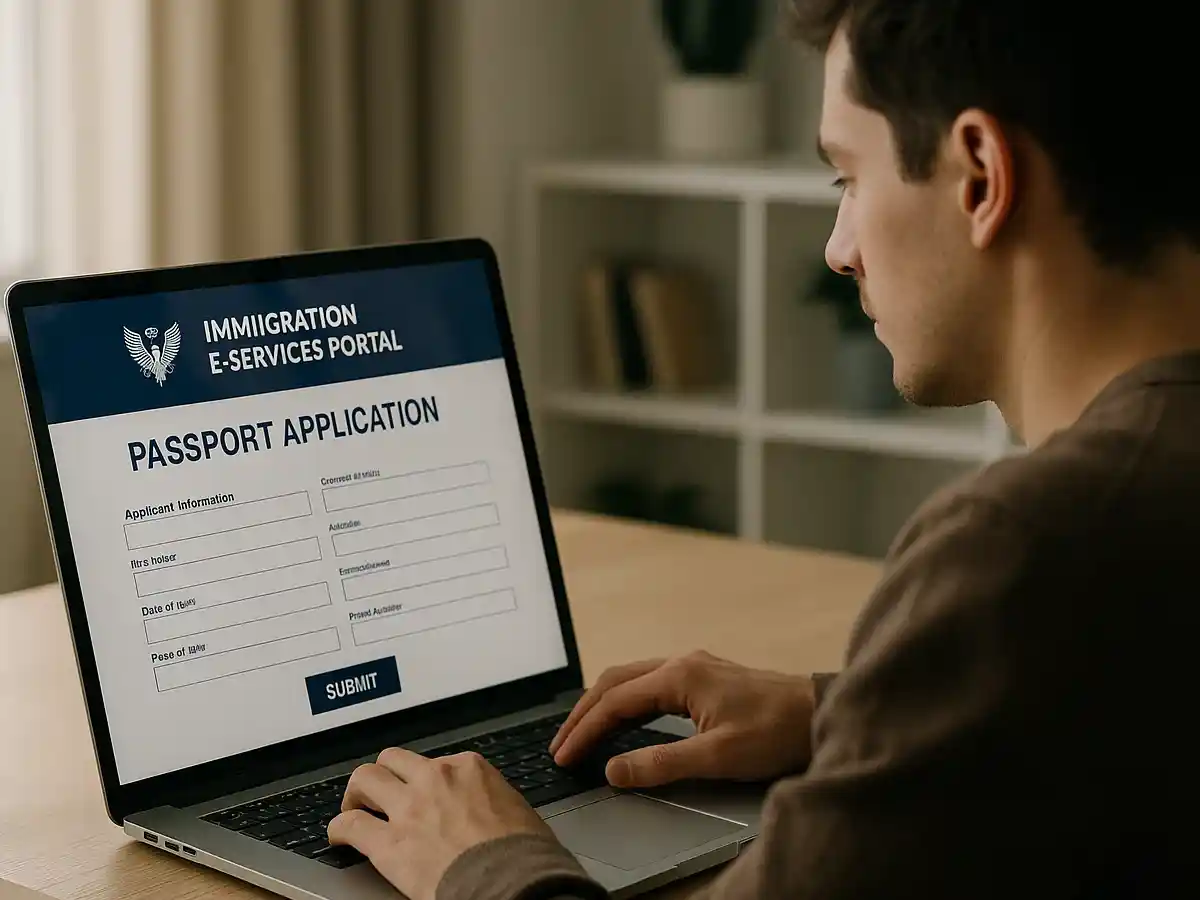
The Immigration and Passport Department has introduced a simplified process for citizens to apply for passports online through its E-Services Portal.
A detailed video shared on social media explains each step, allowing applicants to avoid long queues and complete the procedure from home.
Visit Times of Karachi website for the latest news-related content
How to apply for online passport:
1: Visit the official portal
Go to the online portal at www.onlinemrp.dgip.gov.pk to begin your application.
2: Log in or create a new account
If you already have an account, click the Log In button and enter your email and password.
New users should click Register, fill in the form, and ensure their mobile number and email address are correct.
3: Verify your account
After entering your information, type the verification code shown on screen and click Next.
A verification link will be sent to your email. Click the link and enter the code to complete registration.
READ: How to pay passport fees online in Pakistan – Quick guide for citizens
4: Sign in and select your required service
Log in using your email and password. Choose the service you need from the available options, such as New Passport or Renewal.
5: Select your nearest passport office
Use the drop-down menu to choose the passport office closest to your location. This helps reduce travel in case you are asked to visit the office later.
6: Follow renewal rules
For online renewal, your passport must have less than one year remaining before expiry.
Note that major changes, such as name or profession, cannot be made through online renewal.
7: Upload required documents and photo
Make sure all uploaded files are in PNG, JPG, or JPEG format and do not exceed 1 MB in size.
The video guide also explains the correct type of photograph needed for both men and women.
Follow the Times of Karachi channel on WhatsApp
8: Submit your application
After completing the form and uploading documents, submit your application.
If a physical visit is required, your selected passport office will appear along with further instructions.
The department’s instructional video provides additional details about file formats, image requirements, and document submission.
With this online method, citizens can complete most of the passport process easily and avoid long waiting times at passport offices.
For official updates, always visit the E-Services Portal or follow announcements from the Immigration and Passport Department.