




Karachi is set to get a Grand Khidmat Markaz where citizens will be able to access several important government services under one roof, including passports, national identity cards, NADRA Direct, arms licences and NOCs.
Follow Times of Karachi on Google News and add as a preferred Source on Google
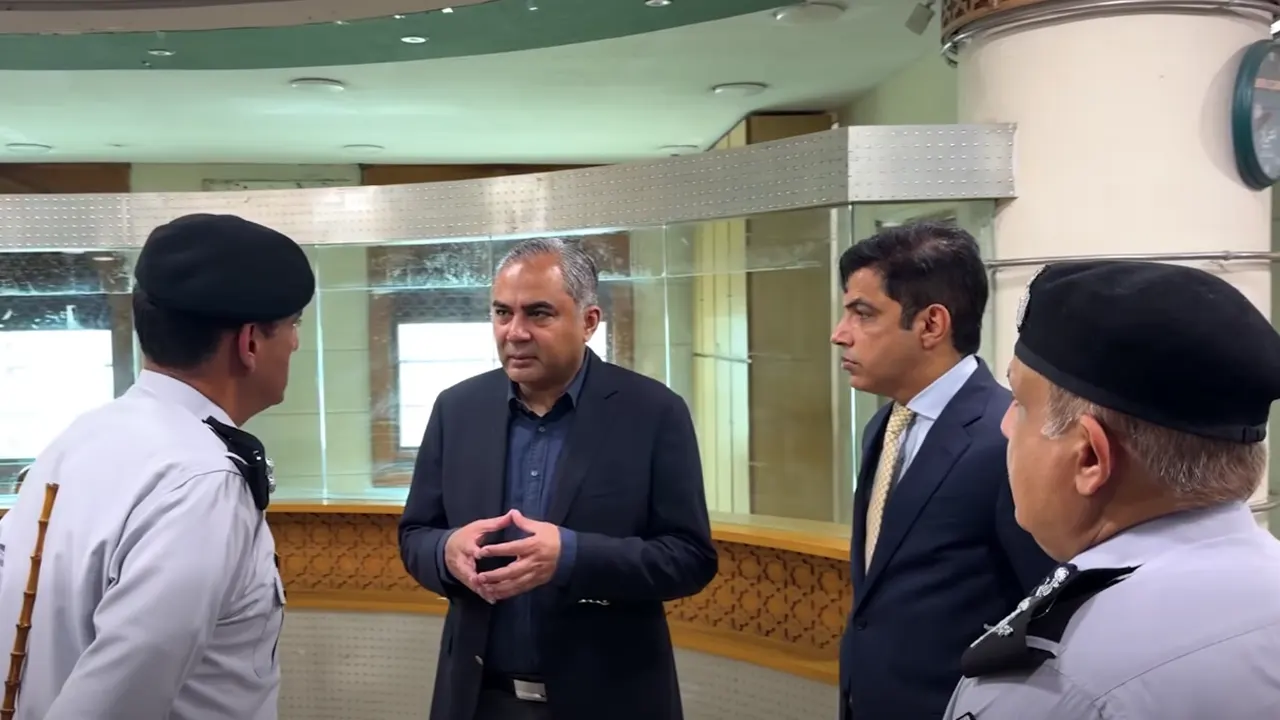
The decision to establish what has been described as the country’s largest Grand Khidmat Markaz under the Federal Interior Ministry was announced during Interior Minister Mohsin Naqvi’s visit to the ministry’s office on I.I. Chundrigar Road.
The Federal Interior Minister Mohsin Naqvi said special counters for subordinate departments of the Interior Ministry would be established at the modern service centre.
According to the interior minister, Karachi residents will be able to access services related to:
- Passports
- National identity cards
- NADRA Direct
- Arms licences
- No-objection certificates (NOCs)
The facility is intended to bring multiple services together in one location, reducing the need for citizens to visit different government offices for separate procedures.
The interior minister directed officials to prepare a detailed master plan within 10 days for the Grand Khidmat Markaz.
He said the plan should consider citizens’ requirements as well as modern service-delivery needs.
Naqvi also ordered officials to complete the necessary administrative and technical arrangements as soon as possible to facilitate the early establishment of the centre.
Meanwhile, the National Database and Registration Authority (NADRA) has outlined a simple procedure for citizens who forget their Pak-ID account password or are unable to log in to the NADRA mobile application.
Citizens can recover access to their account by completing a few verification steps.
How to Recover Your Pak-ID Password
Step 1: Enter Your ID Card Number
Open the Pak-ID app and enter your CNIC number on the login screen. Select the “Forgot Password” option.
Step 2: Enter Your Email Address
The application will ask for the email address associated with the account.
If you cannot remember the registered email address, NADRA says you can enter a current, active email address and select “Go Ahead.”
Step 3: Enter the OTP
A One-Time Password (OTP) will be sent to the email address provided.
Enter the verification code in the application to continue the recovery process.
Step 4: Complete Biometric Verification
Complete the biometric verification process according to the instructions provided by NADRA.
After successful verification, users can set a new password and log back into their Pak-ID account.
NADRA advises citizens to use an active email address and keep their login credentials secure to maintain uninterrupted access to the Pak-ID application.