





Back in 2000, mobile phones started becoming common among people in Pakistan. Due to falling prices and easy availability, the number of cellular users increased rapidly in the following years.
Along with this growth, misuse of mobile technology also emerged. Several illegal activities and even terrorist incidents were later linked to unregistered SIM cards.
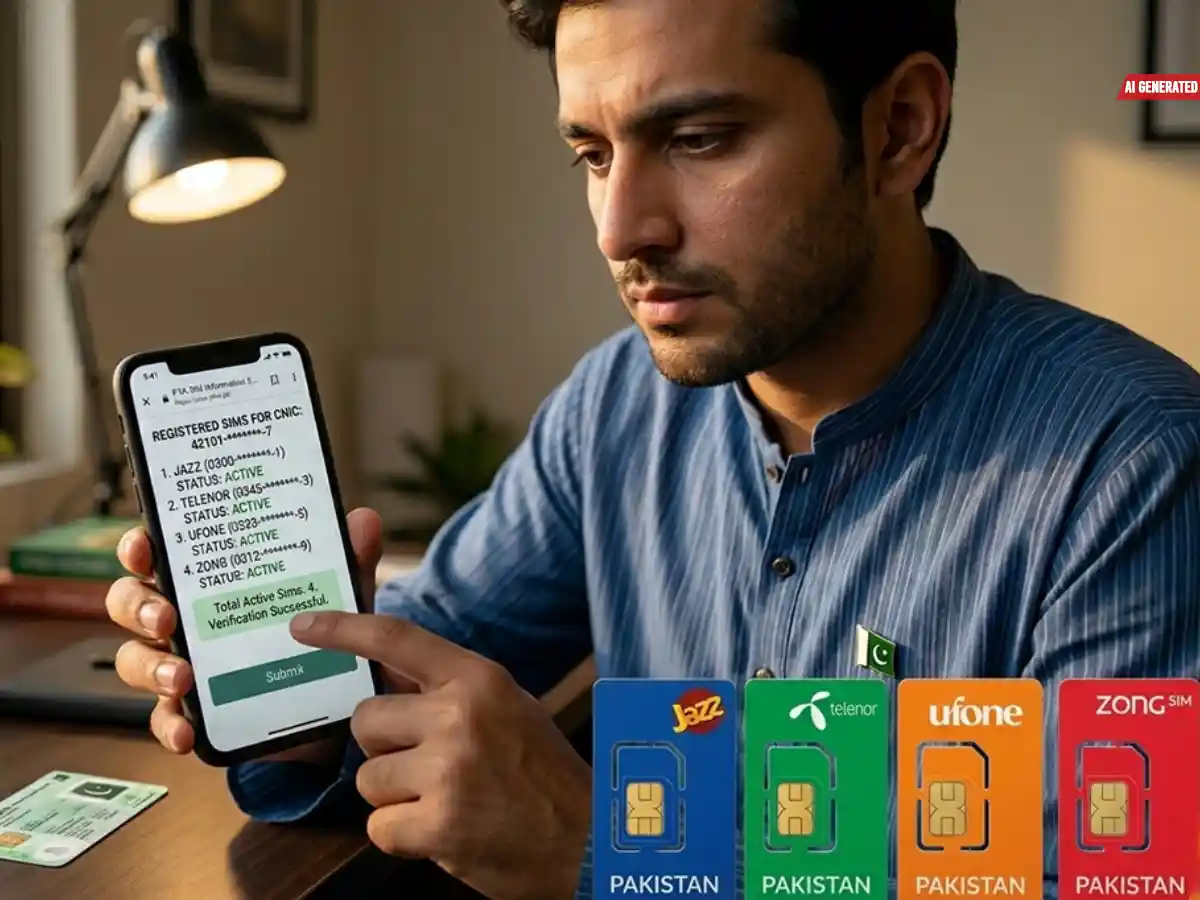
To address these concerns, the Pakistan Telecommunication Authority (PTA) introduced an advanced SIM Information System in 2009. This system was created to maintain digital records of SIM users, allowing people to check how many SIMs are registered against their CNIC.
Visit Times of Karachi website for the latest news-related content
If you are unsure about the SIMs registered in your name or want to verify or block any of them, the information below will help you.
Limit of SIMs per CNIC
It is important to know that there is a limit on the number of SIM cards that can be registered under one CNIC. According to PTA regulations, a person can hold a maximum of 5 SIM cards at a time.
If your CNIC already has 5 SIMs and you need a new one, you must first deactivate an unused SIM to remain within the allowed limit.
How to Check Active SIMs Against Your CNIC
1. Through PTA Website
To check SIMs registered in your name, visit the PTA SIM Information System website.
- Open the official SIM information page
- Enter your CNIC number in the required field
- Confirm the captcha verification
- Click on “Submit”
A table will appear showing SIMs registered against your CNIC
The results are shown operator-wise along with the total number of SIMs issued in your name.
2. Through SMS Service
You can also check SIM details via SMS:
- Open your phone’s messaging app
Also Read:
How to stay safe from phishing scams in Pakistan
- Type your CNIC number without dashes
- Send it to 668
- You will receive a reply showing SIM details by operator
- Note: Each SMS sent to 668 costs PKR 2 + tax.
If you discover more SIMs registered under your CNIC than you are using, you should contact the relevant mobile network’s customer service center.
What is SIM Cloning?
SIM cloning is a process in which a SIM card is duplicated by copying its identity data onto another SIM. The cloned SIM can then be used on a different phone while appearing as the original number.
This illegal practice is often used for criminal activities, making calls using someone else’s identity. If you ever receive suspicious activity from your number that you did not make, you should immediately contact your mobile operator and report it to block the unauthorized SIM.
PTA Biometric Verification System (BVS)
The PTA Biometric Verification System (BVS) is an important step introduced to ensure security and prevent misuse of mobile connections in Pakistan.
Through this system, users can:
- Get a duplicate SIM
- Activate or purchase a new SIM
- Transfer SIM ownership
- Re-verify an existing SIM
- Resolve mobile number portability issues
How to Get SIM Biometric Verification
To avoid SIM blocking, users must ensure their SIM is properly verified under PTA records. Before verification, check whether the SIM is registered in your name.
How to Check SIM Owner Name
- Open your phone’s SMS app
- Send a blank message to 667
- You will receive a reply showing the registered SIM owner’s name
How to Block an Unused SIM
If you want to block a SIM registered under your CNIC that you no longer use, follow these steps:
- Visit the nearest franchise or customer service center of your mobile network
- Provide your original CNIC
Follow the Times of Karachi channel on WhatsApp
- Fill out the required form
- The SIM will be blocked after processing
Important Note on Illegal SIM Usage
Using unregistered or illegal SIM cards is a punishable offense. If you are using a SIM not registered in your name or an unverified connection, it is strongly advised to regularize or block it immediately to avoid legal consequences.